Maker of the world's leading risk and decision analysis software, @RISK and the DecisionTools Suite
ENGLISH I ESPAÑOL I PORTUGUÉS I FRANÇAIS I DEUTSCH I 日本語 I 中文 I РУССКИЙ
Live Chat

DecisionTools Suite 6 βeta


Welcome Palisade Beta Testers
Beta 3 is Now Available

Thank you for participating in Palisade's DecisionTools Suite 6 beta program. The entire DecisionTools Suite has been improved with more power and ease-of-use features than ever.

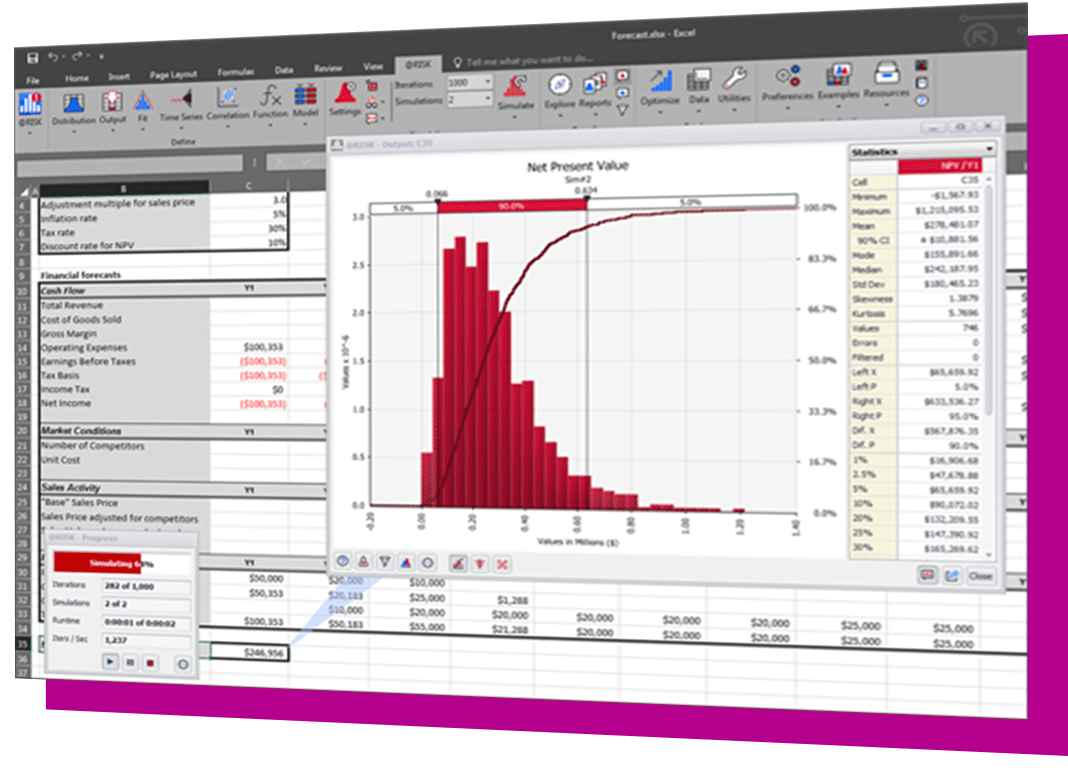
Key features of @RISK 6.0 include:

This tool version 6 is outstanding. The time scale reports make my life so much easier for forecasting.
Paul Brady
Chevron
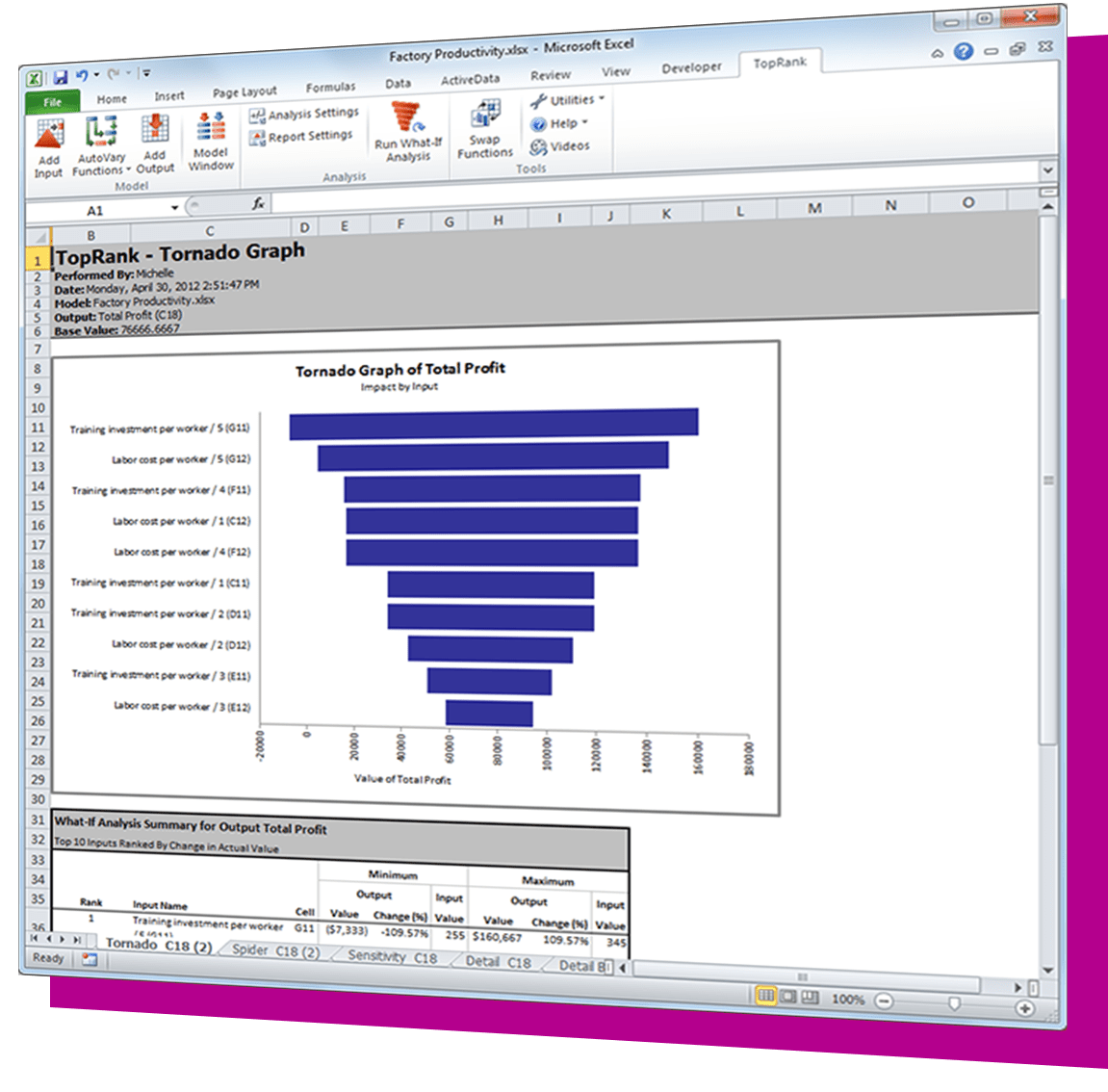
  • Easier-to-understand double-sided tornado
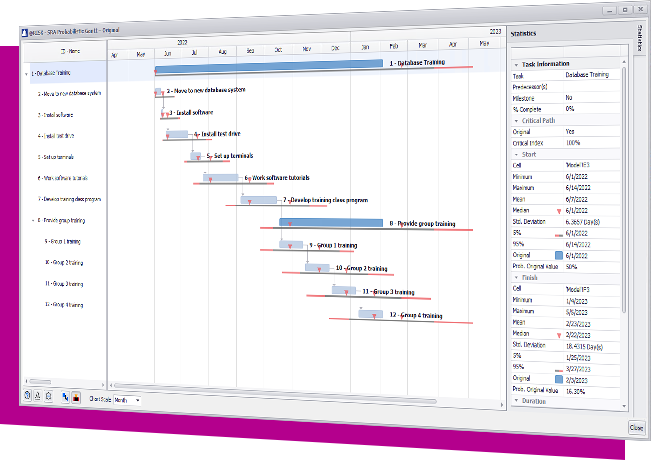
  • Integration with Microsoft Project for simulation of Project schedules
  • Time-series simulation modeling
  • Crystal Ball model converter
  • Better distribution fitting

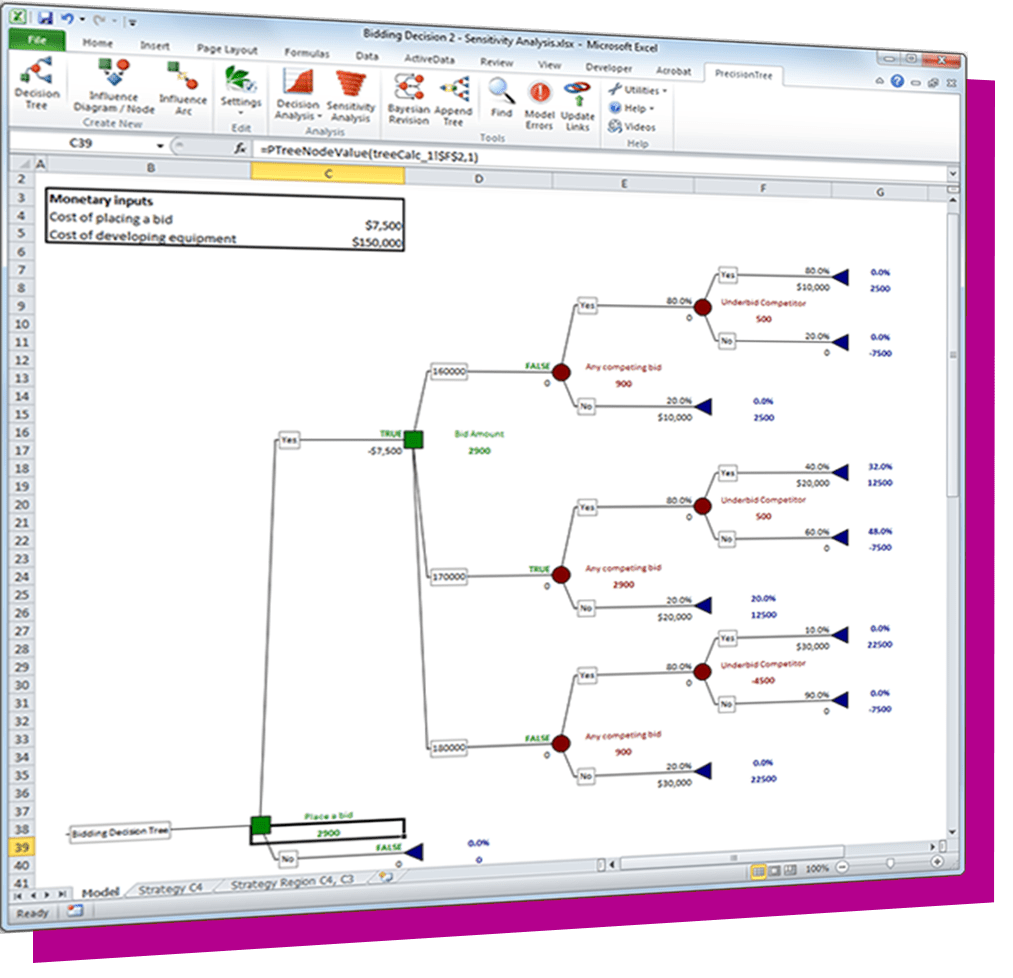
Important new improvements in the rest of the Suite include:

  • Bayesian revision in PrecisionTree
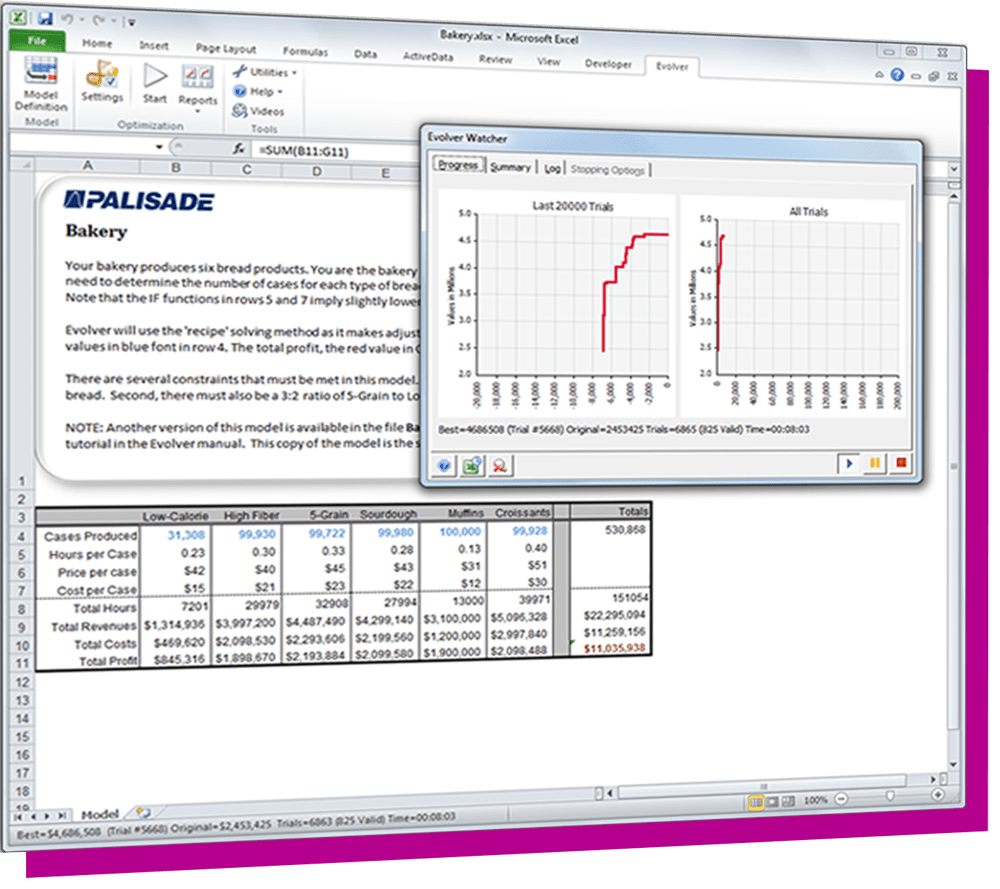
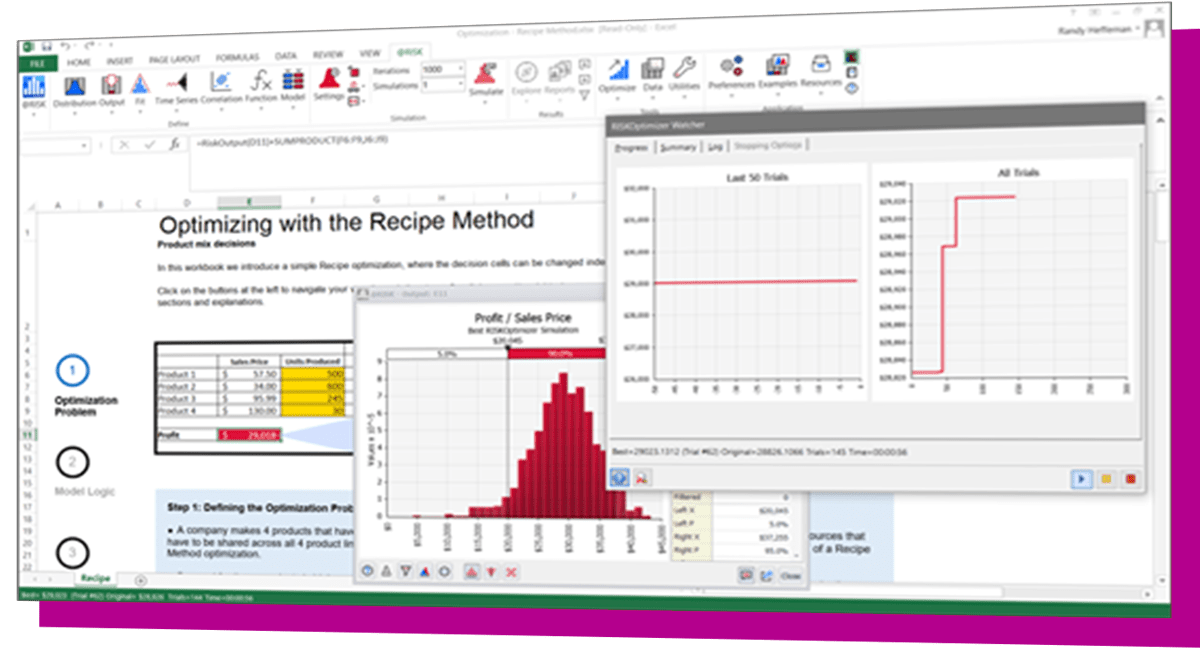
  • New OptQuest optimization engine in RISKOptimizer and Evolver
  • Support for linear programming in Evolver
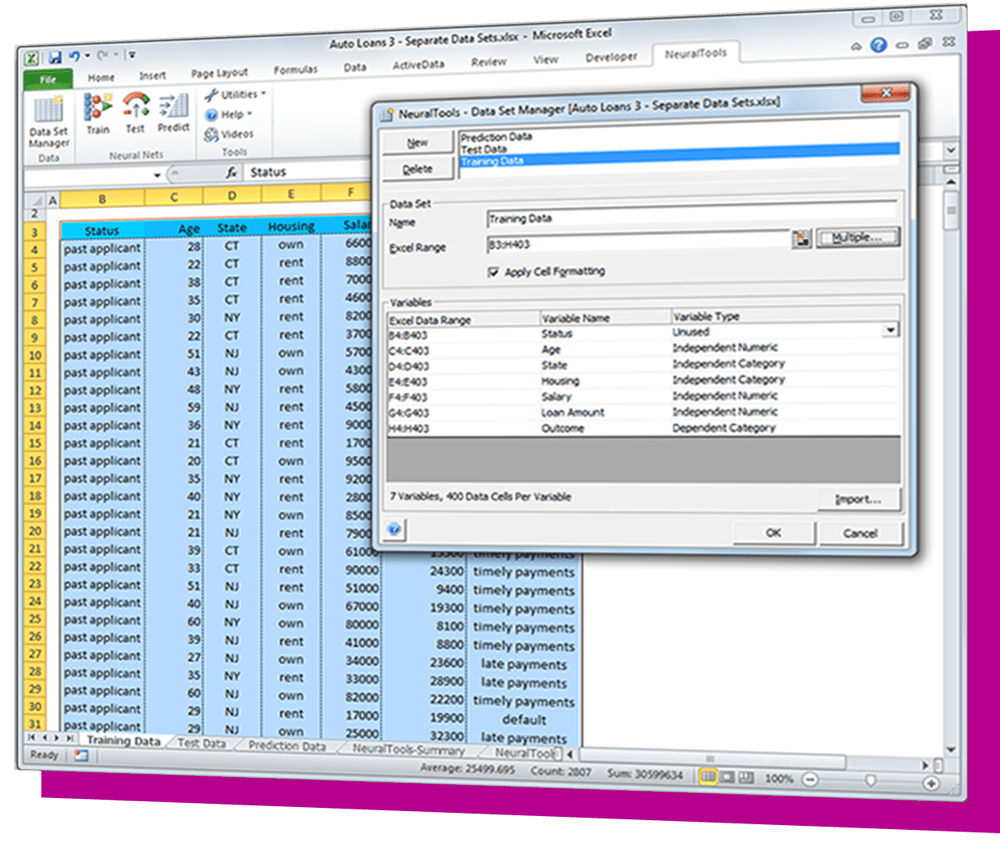
  • Sensitivity analysis in NeuralTools
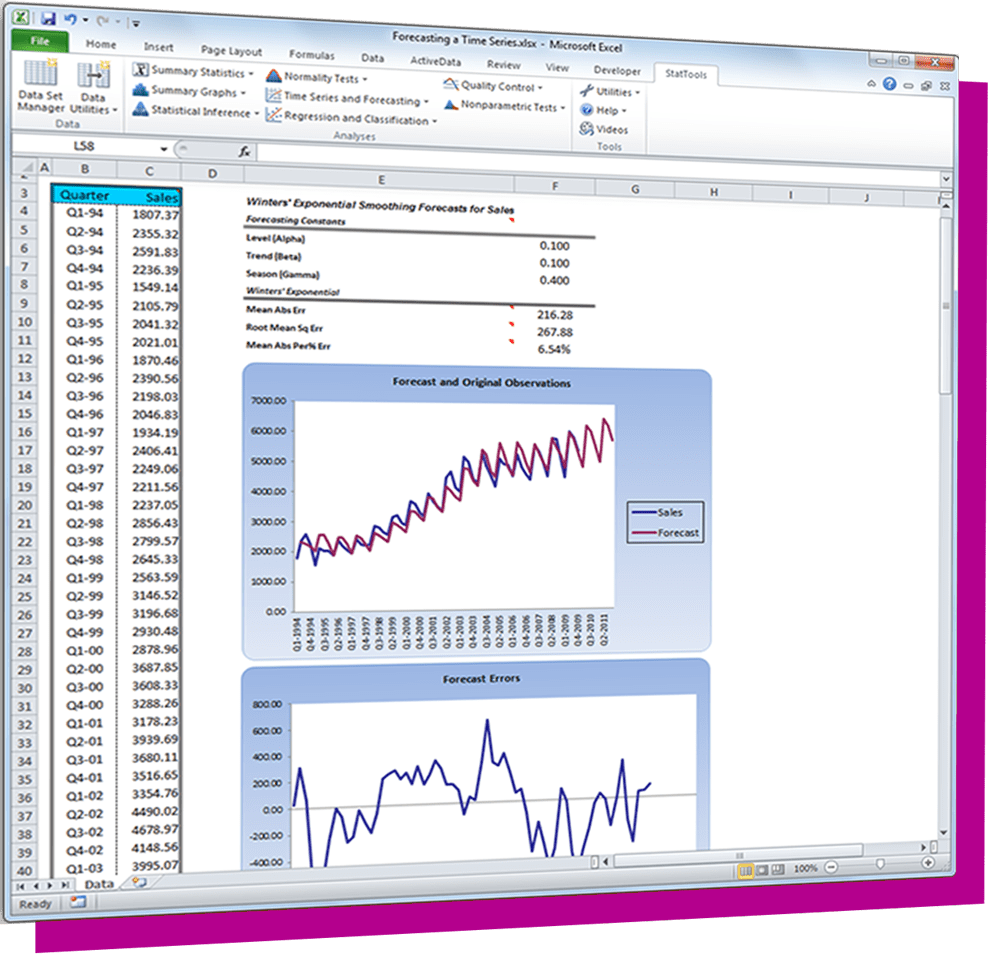
  • Scatter plot matrices in StatTools

» See What's New in DecisionTools Suite 6.0


Please Note:

  • The DecisionsTools Suite beta 3 may be installed directly over betas 1 or 2.

    (Previous betas will need to be removed as part of the beta 3 installation process, but this happens automatically – just say "Yes" when prompted to proceed with the beta uninstall/reinstall process. If you are prompted with a message about closing a FLEXnet Connect Agent during the uninstall, leave the default setting and click OK.)
  • Beta 3 is available in English only.
  • The product documentation is not in its final state.
  • The multi-CPU capabilities of @RISK are not yet usable with the new Project features.
  • The DecisionTools Suite beta can be installed on the same system as a licensed copy of version 5.x of the DecisionTools Suite or @RISK. Both versions install to different directories and launch from separate icons. You cannot, however, run both version 6 and 5.x in the same session of Excel; when running one version, exit Excel before launching the other version.
  • The DecisionTools Suite 6 beta is compatible with Excel versions 2003-2010, and with Windows versions XP through 7.
  • Beta 3 expires on June 30, 2012. To uninstall the beta, use the Windows Control Panel “Programs and Features” (or in Windows XP, “Add or Remove Programs”) option to Uninstall.


DecisionTools Suite 6 Beta 3

» Download Beta 3

» See What's New in DecisionTools Suite 6

» See complete Version History for beta 3

» Send Beta Feedback to Palisade
    We look forward to your input.

» DecisionTools Suite 6 Beta 3 ReadMe
    What to expect in the beta version.


Compatibility

The DecisionTools Suite 6.0 is compatible with Microsoft Excel 2003-2010 (both 32-bit and 64-bit), and with Microsoft Windows XP – 7 (32-bit and 64-bit). The Project features of @RISK require a 32-bit version of Microsoft Project 2003 or above. This feature is not compatible with the 64-bit version of Project 2010. The Crystal Ball model converter feature is not compatible with the 64-bit version of Excel 2010.


Palisade Corporation
798 Cascadilla Street
Ithaca, NY 14850-3239
800 432 RISK (US/Can)
+1 607 277 8000
+1 607 277 8001 fax
sales@palisade.com
Palisade EMEA & India
+44 1895 425050
sales@palisade-europe.com
Palisade Asia-Pacific
+61 2 9252 5922
sales@palisade.com.au
Palisade アジア・
パシフィック東京事務所
+81 3 5456 5287 tel
sales.jp@palisade.com
www.palisade.com/jp/
Palisade Latinoamérica
+1 607 277 8000 x318
+54-1152528795  Argentina
+56-25813492     Chile
+507-8365675     Panamá
+55-53502852     México
+511-7086781     Perú
+57-15085187     Colombia
ventas@palisade-lta.com
www.palisade-lta.com
Palisade Brasil
+55 (21) 2586-6334 tel
+1 607 277 8000 x318 tel
vendas@palisade.com
www.palisade-br.com